Lindström site settings
These settings are used to make the website have localized titles for specific blocks as well as assuring the url structure is correctly build for your locale.
Note
Please remember to click 'Update' from the top right when changing the settings. After saving, open WP Admin / Settings / Permalinks for the changes to take effect. Otherwise the site will show 404
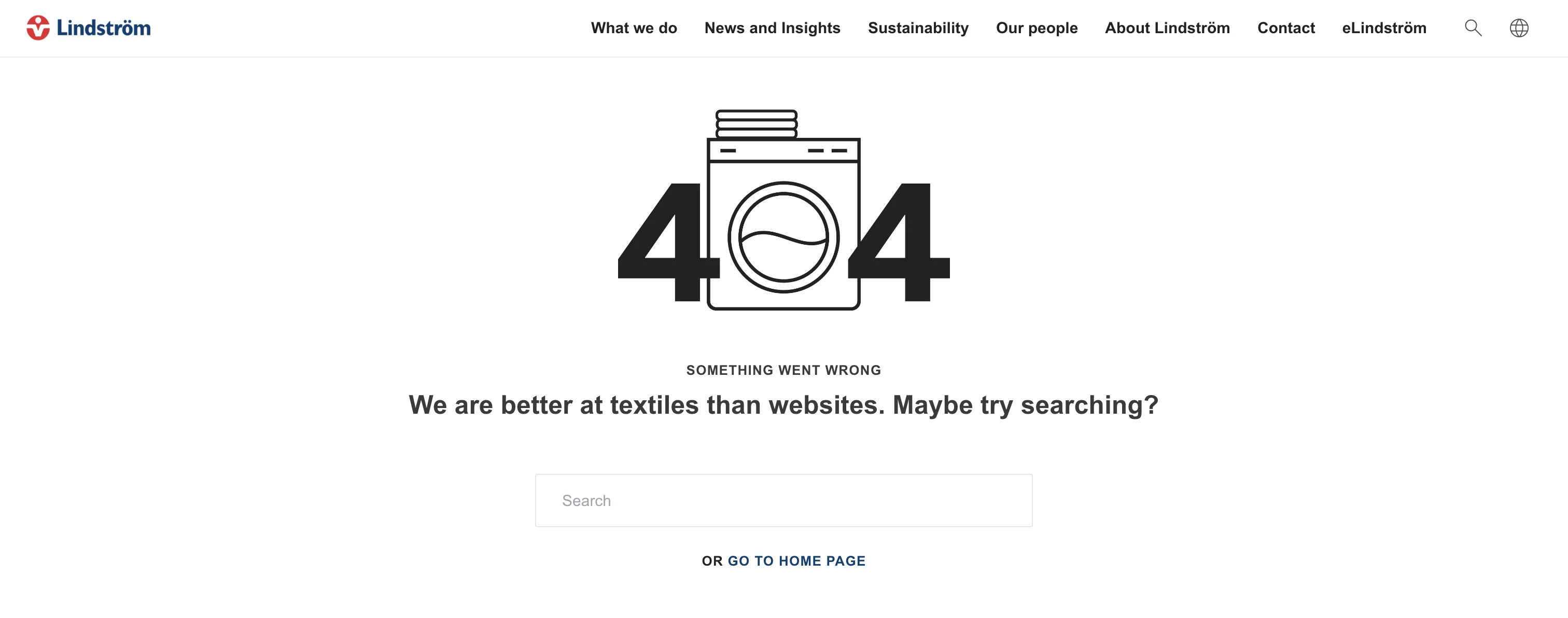
Site Settings - 404 page content
These fields hold the content for the 404 page translations. Please provide translations to all of these texts as well as a link to a page of your choosing.
Site Settings - Posts
These fields hold the text for localized title for related posts and words you want to use on job openings.
Related posts heading will be displayed on the bottom of the article where user can find related posts to the current post.
Job post fields are used under the open job position where it says 'Job application starts/ends'
Site Settings - Sharing
Here you can pick which social media sharing options you would like to include in the article view for the user as well as labels for those icons e.g. 'share on facebook'.
Site Settings - Social media
Configure all of your wanted social media pages here. Provide an icon as well as the url for the page. These rows will be used by the social icons block.
Site Settings - Permalink slug translation
Add translations to correctly build the url for your country.
Remember to open WP Admin / Settings / Permalinks after updating for the changes to take effect. No need to change anything here, just visiting the page will update the permalinks.