CTA Country
General
Use inside a Lindström container.
Main block to be used if only a title is wanted.
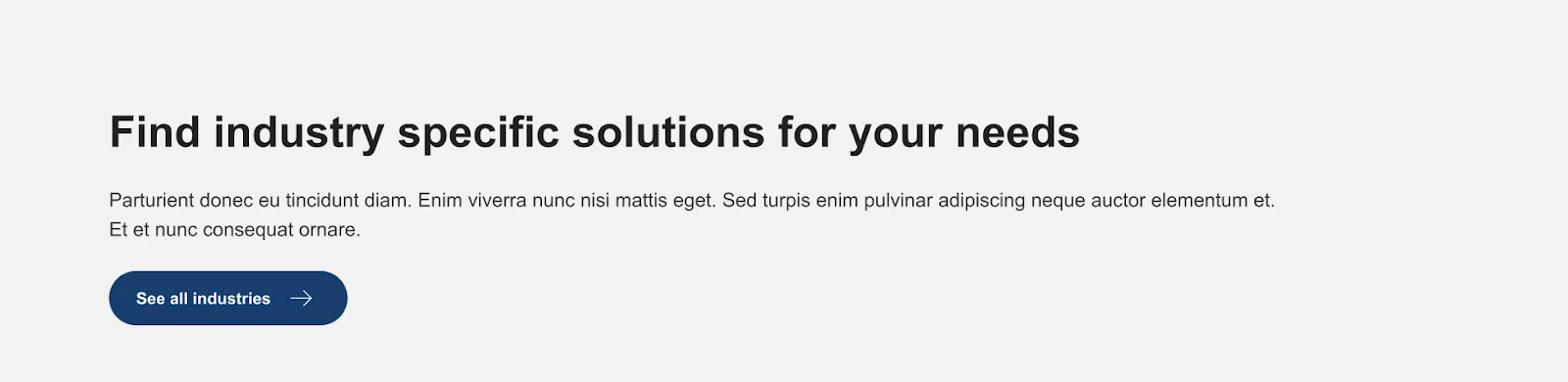
Can be used to display title, text and button. Any fields can be left empty if you need to display just a title or a button, or any combination of these three fields.
Heading level (H1-H4) Can be customized as well as the alignment (right, center, left).
Customizable fields

Title
Create a heading (H1-H4) for the block. Other fields can be left empty and this block can be used to create a heading for any other section
Title tag
Size of the heading (H1-H4)
Text
(optional) Text inside the Country CTA block
Buttons
(optional) Add buttons to the CTA if you want to navigate the user to relevant pages
Added possibility to add icons to the buttons. The icons are chosen from Google Material Icons. If this is used to create for example a contact box, change the button direction to 'Column'.
Align content
Select the alignment of the content. Example usecase is if you need a heading for a section that should be aligned to the center.