Contact us section with form
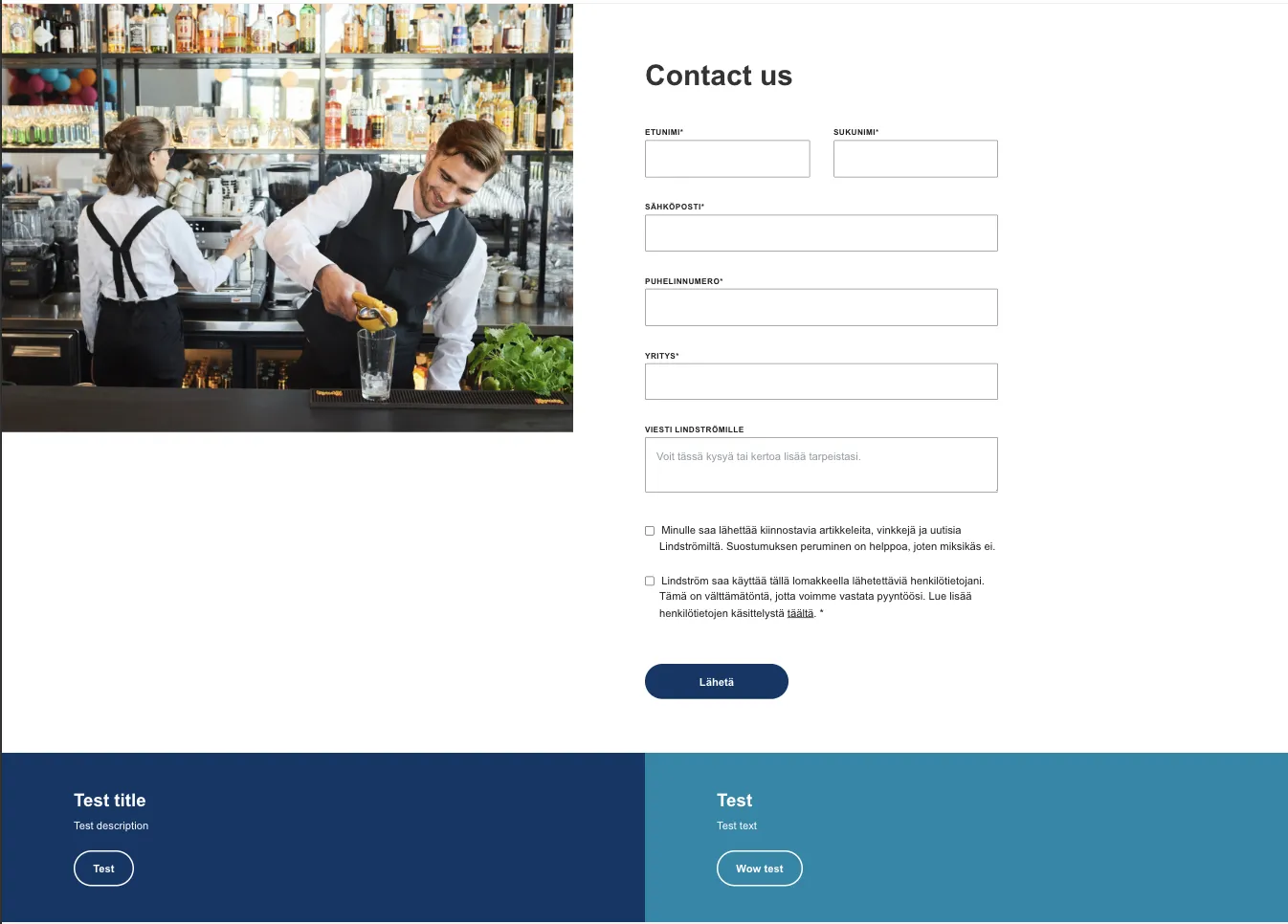
General
Standalone block (doesn't need to be inside lindström container).
This will be the main section for getting visitors contact information. The form will be fetched from hubspot with the form ID and can be either short as in this example or have multiple fields like above.
Hubspot form
Get the form ID via Hubspot: Marketing > Lead Capture > Forms > Hover the form name > click Actions > Share > find the formId in the Embed Code.
Customizable fields
Form title
Title on top of the form.
Title size
Changes the title to H2 or H3 level heading.
Form description
(Optional) Small description under the title.
Featured fields
Add featured fields if you want to ask consent for marketing emails or required consents to handle user data.
More featured field can be added via ACF field group, by specifying its Hubspot field name
Creating the contact section
Structure
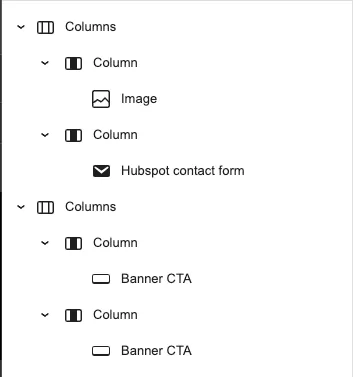
This section is built with WordPress columns and the structure will look like this
Form settings
Remember to add padding to the column containing the form:
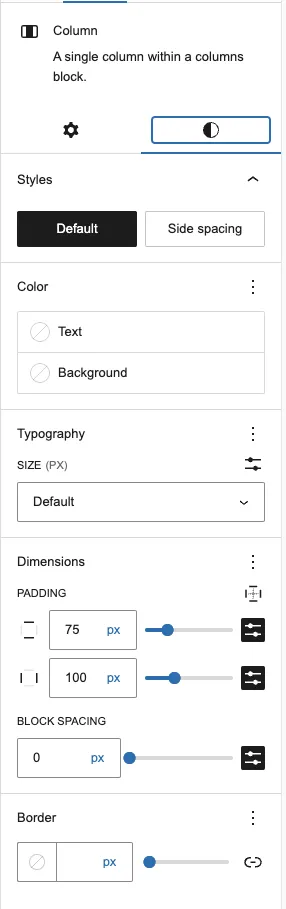
Image settings
Bottom banners
Please follow instructions from the banner-cta page.