Tabbed content

General
Use this block inside a Lindström container. Can be set to either content or text width based on other content.
This block is meant to obtain a lot of information about a product or a service. Usually you would like to steer away from information heavy blocks but in case you need it this block offers a neatly organized space for that. You can add text, headings and media (images or videos) to tabs.
Add as many rows as you need. The tab section will be sideways scrollable in case they don't all fit to the screen size e.g. on mobile devices.
Editing tip
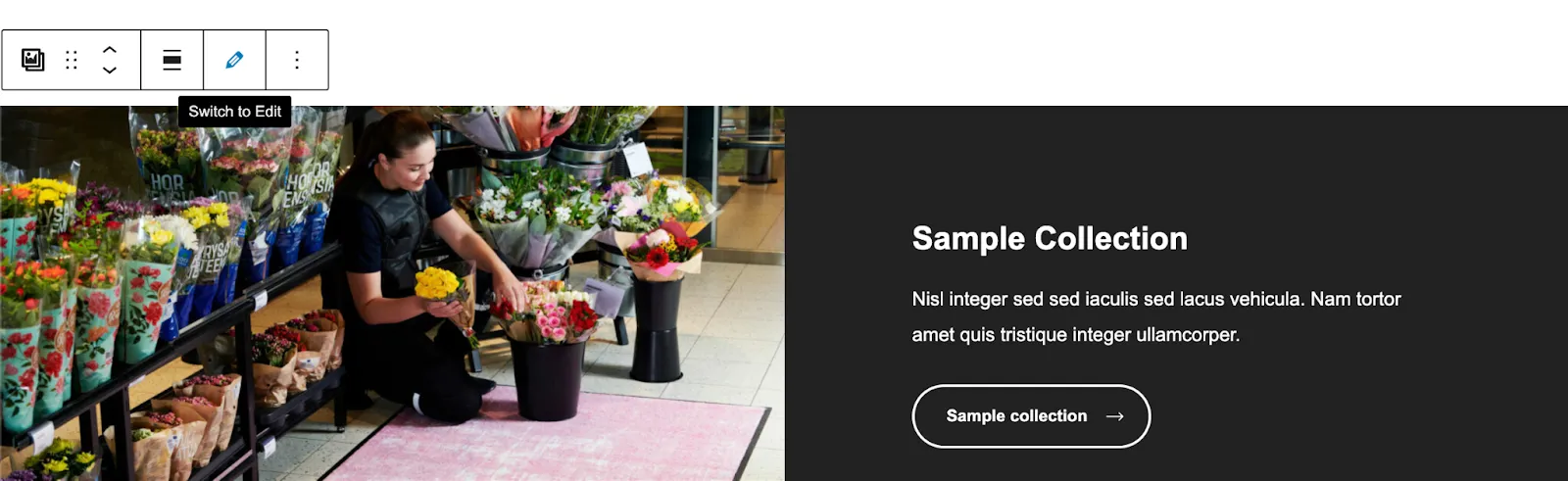
This block is easiest to edit on edit view
Advanced
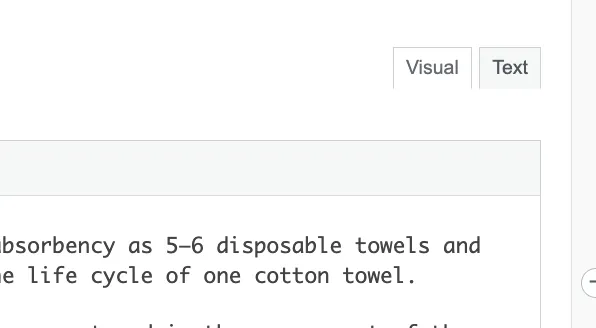
If you feel comfortable you can also modify the html and css straight from the editor if you change to 'Text' from 'Visual' on the top right corner of the editor.
Customizable fields
Info
Please note that all of the editor's options are not supported e.g. lists and the styling should be checked from the preview of the page.
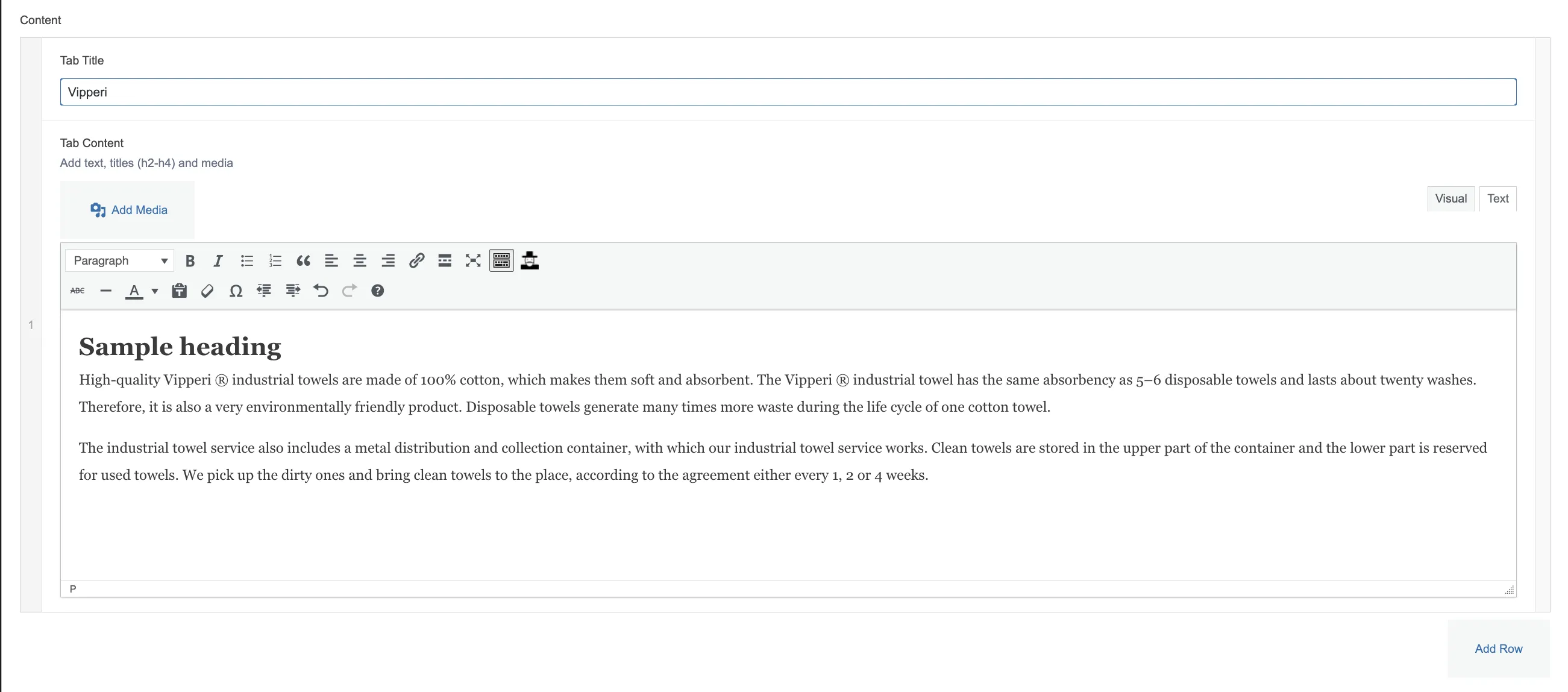
Tab title
Main title for the tab which will be highlighted based on which tab the user is viewing.
Tab content
WYSIWYG (what you see is what you get) editor where you can easily add text and media.